Troubleshooting
Most setup problems come down to one of a handful of causes. Work through the checklist that matches your symptom.
The chat bubble isn't showing#
- Chat is switched off. New projects start with chat disabled — when it's off, the snippet intentionally renders nothing. Open the Chat widget settings in the dashboard (or the Mini App) and turn it on. This is the most common cause.
- Wrong project ID. Check that the
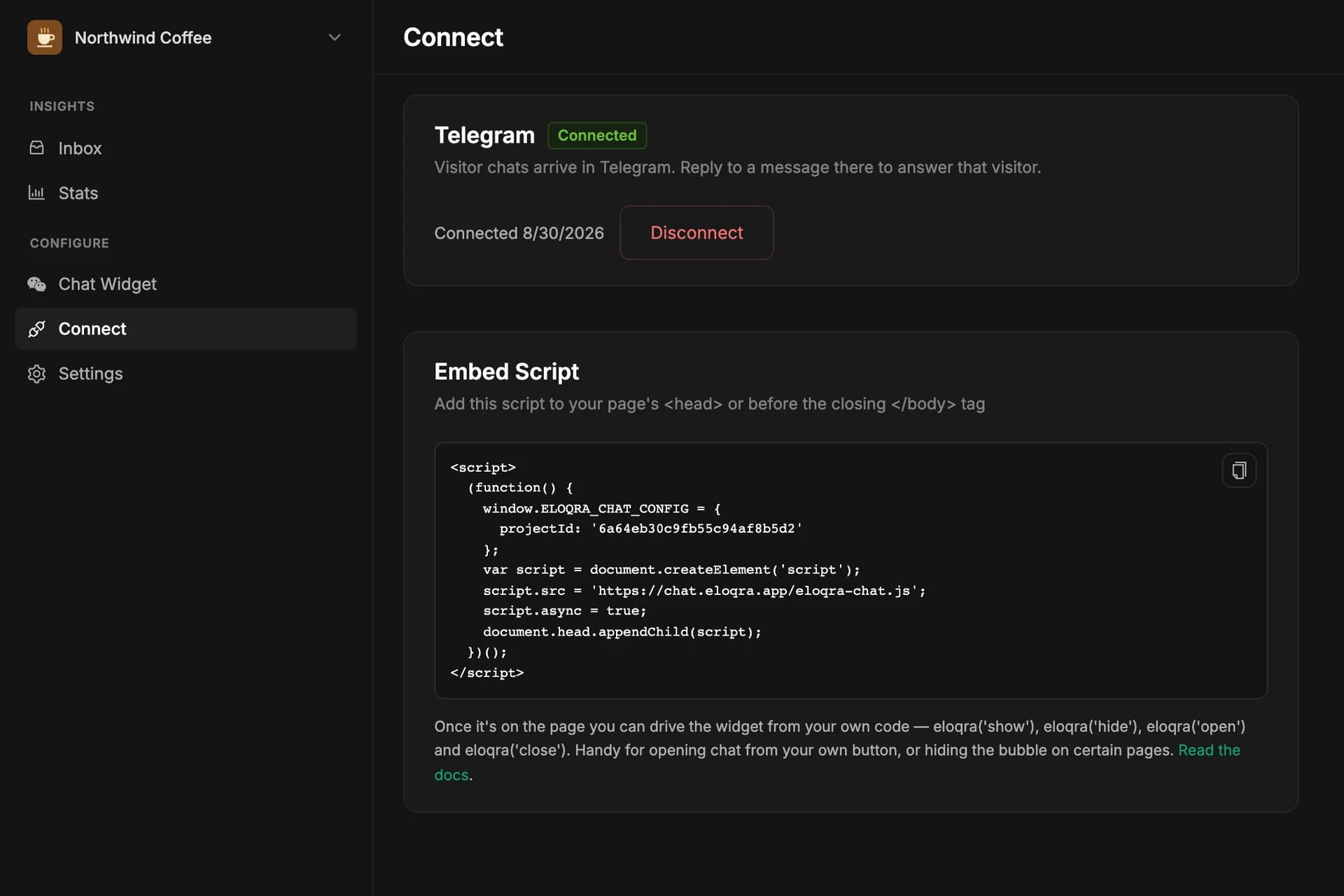
projectIdin your snippet matches the project you configured. The safest fix is to re-copy the snippet from the Connect tab. - The script never loads. Open your browser devtools → Network tab and look for
eloqra-chat.js. If it's missing, the snippet isn't on the page (check your framework guide for correct placement — in Next.js, for example, it belongs in the root layout). If it's blocked, an ad blocker or a strict Content-Security-Policy on your site may be stopping it. - Stale cache. Hard-refresh the page (Cmd/Ctrl+Shift+R) after changing settings — config changes apply on the next page load.
- The domain isn't on the allowlist. If you filled in Allowed domains for this project, the widget only loads on those domains and renders nothing elsewhere — including on a staging host you forgot to add. Clear the list to allow everywhere again.
- Something on the page hid it. If your site calls
eloqra('hide')the bubble is hidden for that page load, even though chat is on and working. Check for that call, or runeloqra('show')in the console to confirm that's what happened.
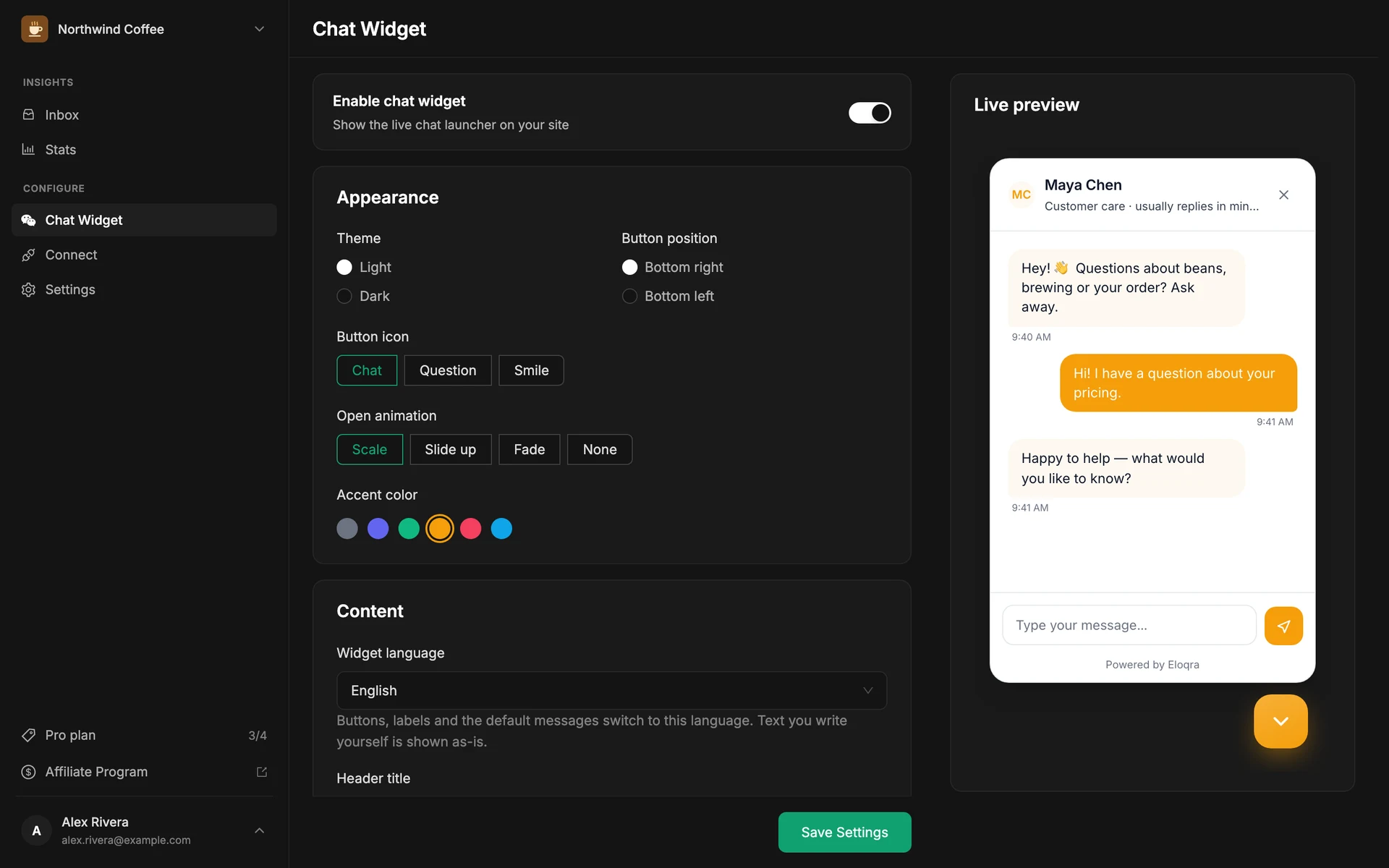
Messages aren't reaching Telegram#
Telegram connections are per project — make sure the project serving your site shows "connected" in the dashboard, and that you haven't blocked the bot. The Telegram guide's troubleshooting section covers this in detail, including replies not landing and messages going to the wrong chat.
Testing locally#
The snippet works from localhost — the script and the chat API are both hosted, so nothing on your machine needs special setup. Paste the snippet into your local dev build, open the page, and send a test message; it should arrive in your Telegram like any production message.
Two tips: use a separate test project so trial messages don't mix with real visitor conversations, and note that the visitor's identity is kept in localStorage — in a private/incognito window each session starts as a fresh visitor.
Still stuck?#
Open the chat bubble on eloqra.app and tell us what you're seeing — we answer from Telegram, naturally.