WordPress
Eloqra works on any WordPress site where you can add a script — self-hosted WordPress, and WordPress.com plans that allow custom code. No plugin from us required.
Install#
Copy the snippet from the Connect tab in your dashboard and replace YOUR_PROJECT_ID with your project's ID:
Add the script#
Pick whichever fits your setup:
- Header/footer plugin (easiest). Install a code-snippet plugin such as WPCode or "Insert Headers and Footers", paste the snippet into the footer section, and save. It loads on every page.
- Theme editor. On a classic theme, paste the snippet just before
</body>infooter.php— ideally in a child theme so updates don't overwrite it. - Block themes. Add a Custom HTML block to your footer template part in the Site Editor and paste the snippet there.
On WordPress.com, custom code requires a plan that allows plugins or custom scripts (Business and above).
Verify#
Open your site in a browser — the chat bubble appears in the corner. Send a test message and confirm it reaches your connected Telegram. Make sure chat is enabled and your Telegram is connected in the dashboard first.
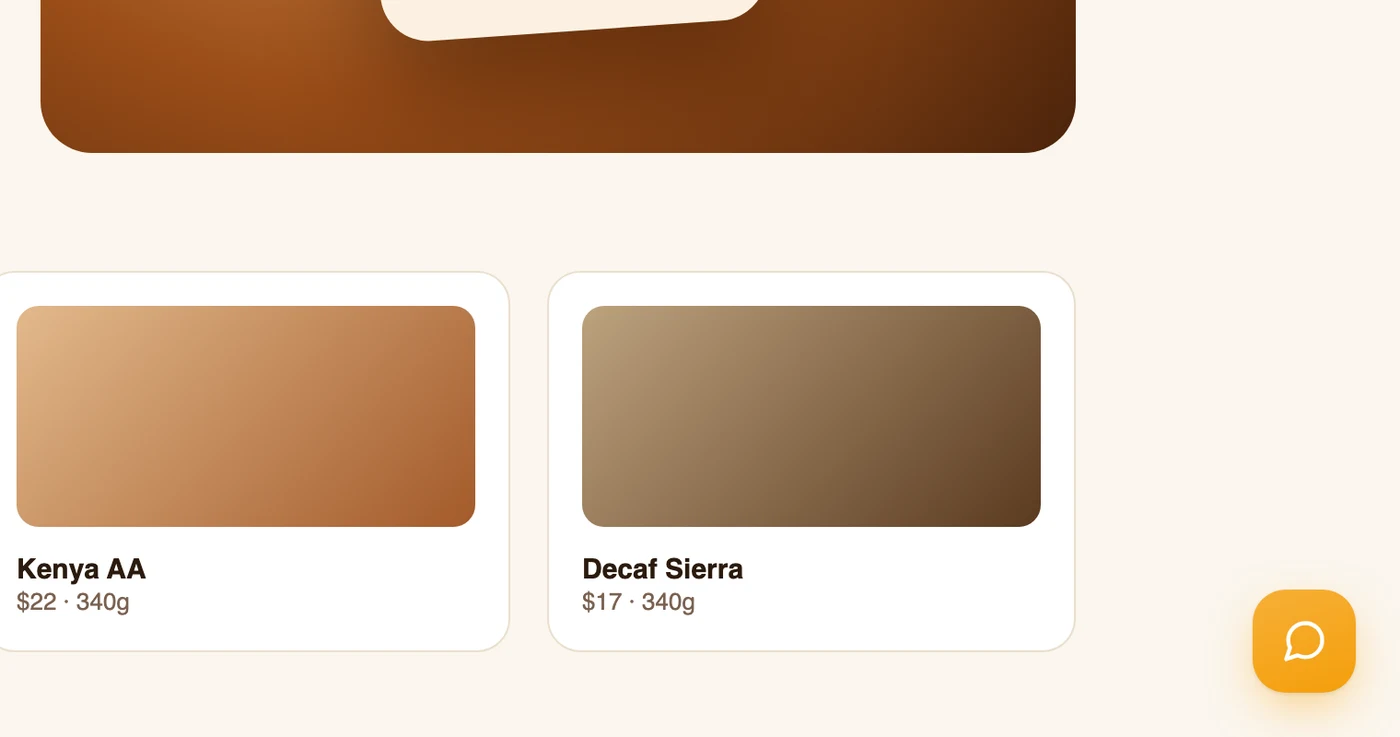
The launcher, in the corner you picked — click it and send yourself a test message