API reference
Eloqra exposes a small REST API for provisioning accounts and managing projects programmatically — handy for AI agents and scripted setups. All endpoints live under the /v1 base and return a JSON envelope.
Base URL#
Every successful response is wrapped in an envelope with a message and a data payload:
Authentication#
Authenticated endpoints require two headers: your account ID and an API key. You'll find both in the dashboard under Settings → API.
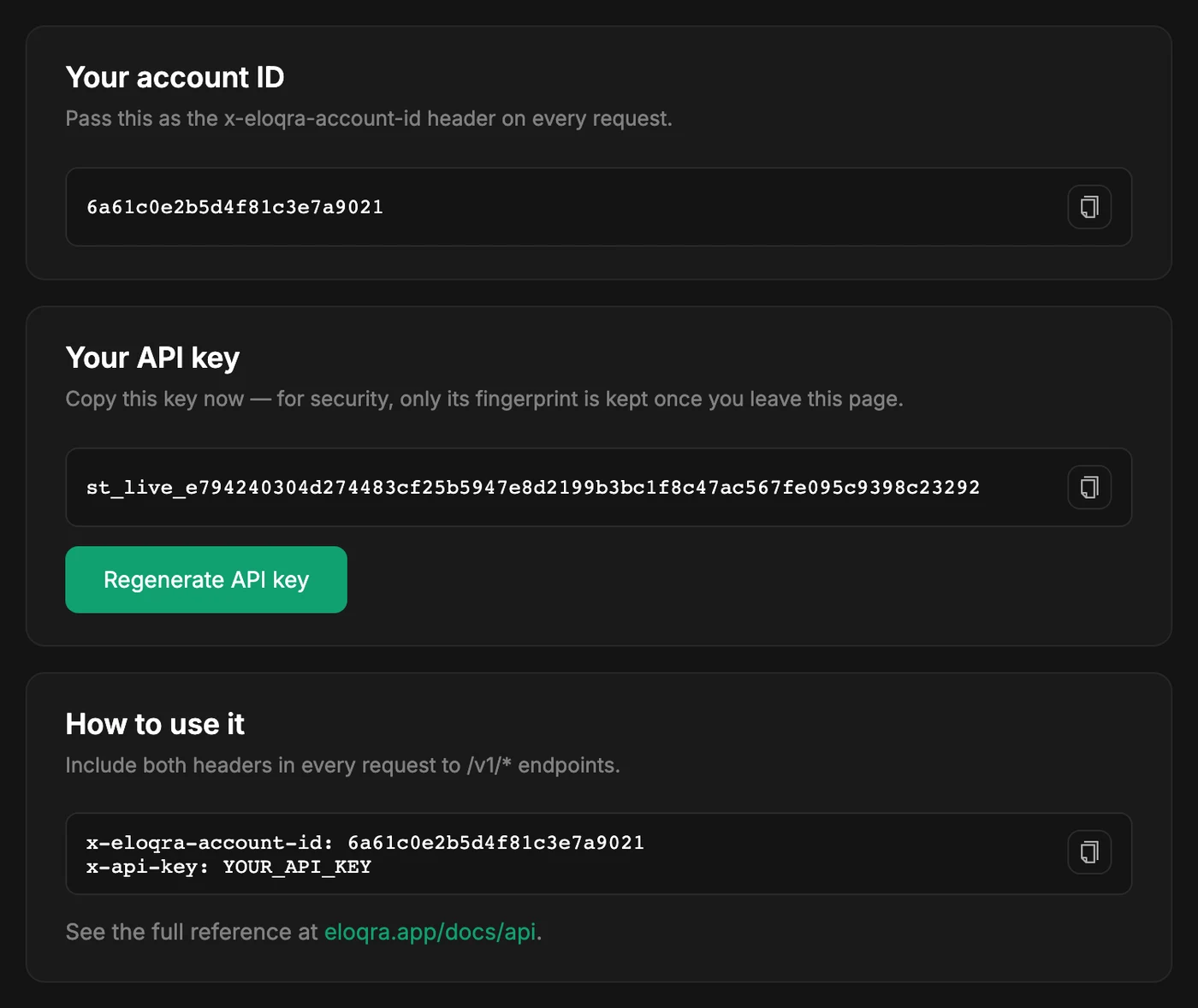
Requests missing either header, or with an invalid key, return 401 Unauthorized. The one exception is agent-init below, which is public so an agent can create an account before any key exists.
Regenerating your API key#
An account has one API key at a time. Eloqra stores only a hash of it, so the full key is shown once — when it is created — and after that Settings → API shows just its last four characters, when it was created and when it was last used.
If you lose the key or think it has leaked, press Regenerate API key in Settings → API (it reads Generate API key if you don't have one yet). A new key is issued and shown in full; copy it before leaving the page. The old key stops working immediately, so any script or agent still using it gets 401 Unauthorized until you give it the new one. Your account ID doesn't change.
More on managing keys alongside the rest of your account is in Account & billing.
POST/v1/auth/agent-init
Public. Start an account from just an email — used by AI agents to provision Eloqra before a key exists. Rate limited per IP and per email.
For a brand-new email, Eloqra creates the account, issues an API key, and emails a claim link. The plaintext key is returned once — store it.
If the email already belongs to a real account, no key is issued — the agent should ask the user to paste their existing key from Settings → API.
GET/v1/me
Return the authenticated account's ID and email. Useful for verifying credentials.
GET/v1/projects
List the projects on your account, most recent first.
POST/v1/projects
Create a project. Its widget is enabled immediately. The body is optional.
Pass the site or business name as headline, so the project doesn't show up as “Unnamed Project”.
GET/v1/projects/:id
Fetch a single project you own by its ID.
GET/v1/projects/:id/embed-snippet
Return the ready-to-paste embed snippet for a project.
The script value is the same one-line async snippet shown in the dashboard — it sets window.ELOQRA_CHAT_CONFIG with your project ID and loads eloqra-chat.js. No container element is needed; paste it before the closing </body> tag and the chat bubble appears on every page.
That script also installs window.eloqra on the page, a browser-side function for showing, hiding, opening and closing the widget. It is separate from this REST API — see Control it from JavaScript.