Vite + React
For Vite-powered React projects, the chat script goes directly in index.html. The floating launcher injects itself — no container component required.
Install#
No package install needed. Copy the snippet from the Connect tab in your dashboard and replace YOUR_PROJECT_ID with your project's ID.
Add the script#
In index.html, add this to the <head> (or before the closing </body>):
Verify#
Run npm run dev and the chat bubble appears on every page. Send a test message and confirm it reaches your connected Telegram. Make sure chat is enabled and your Telegram is connected in the dashboard first.
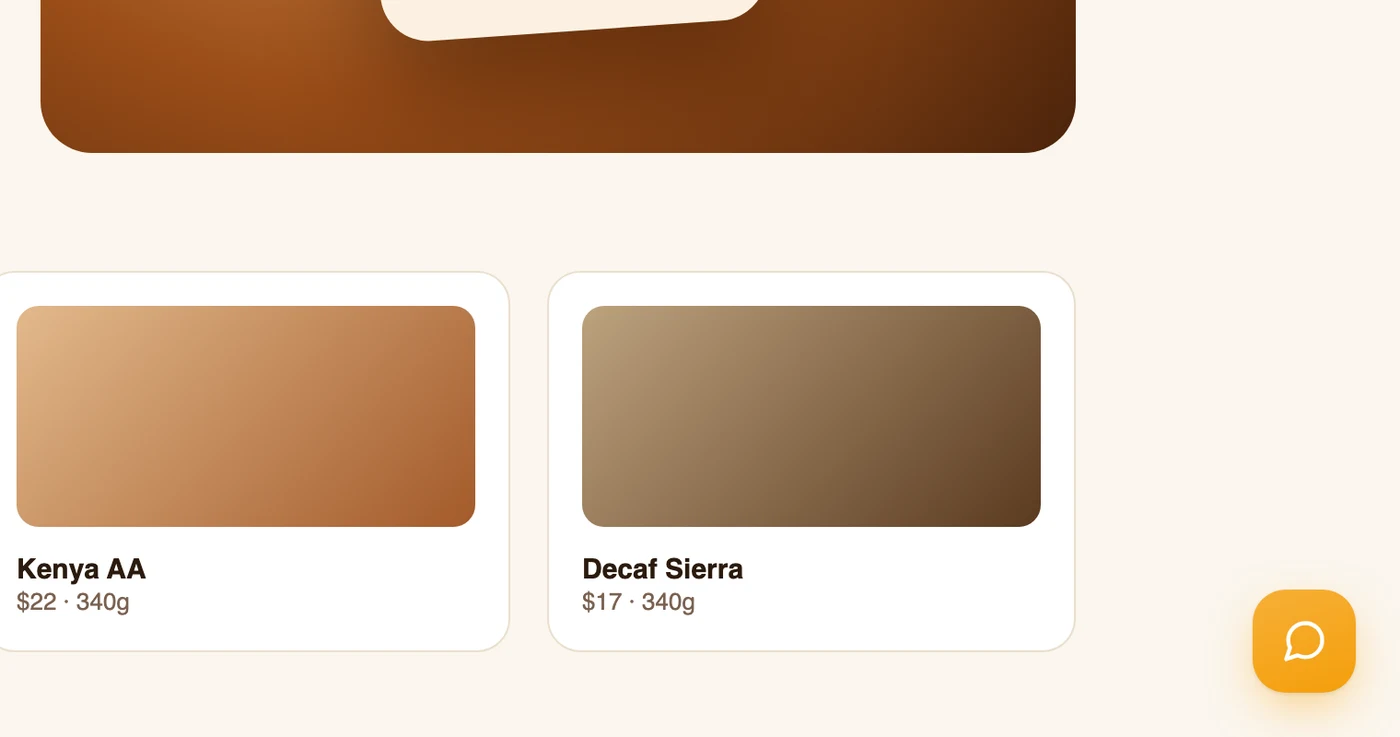
The launcher, in the corner you picked — click it and send yourself a test message